 Klean
Your screenshots stop piling up
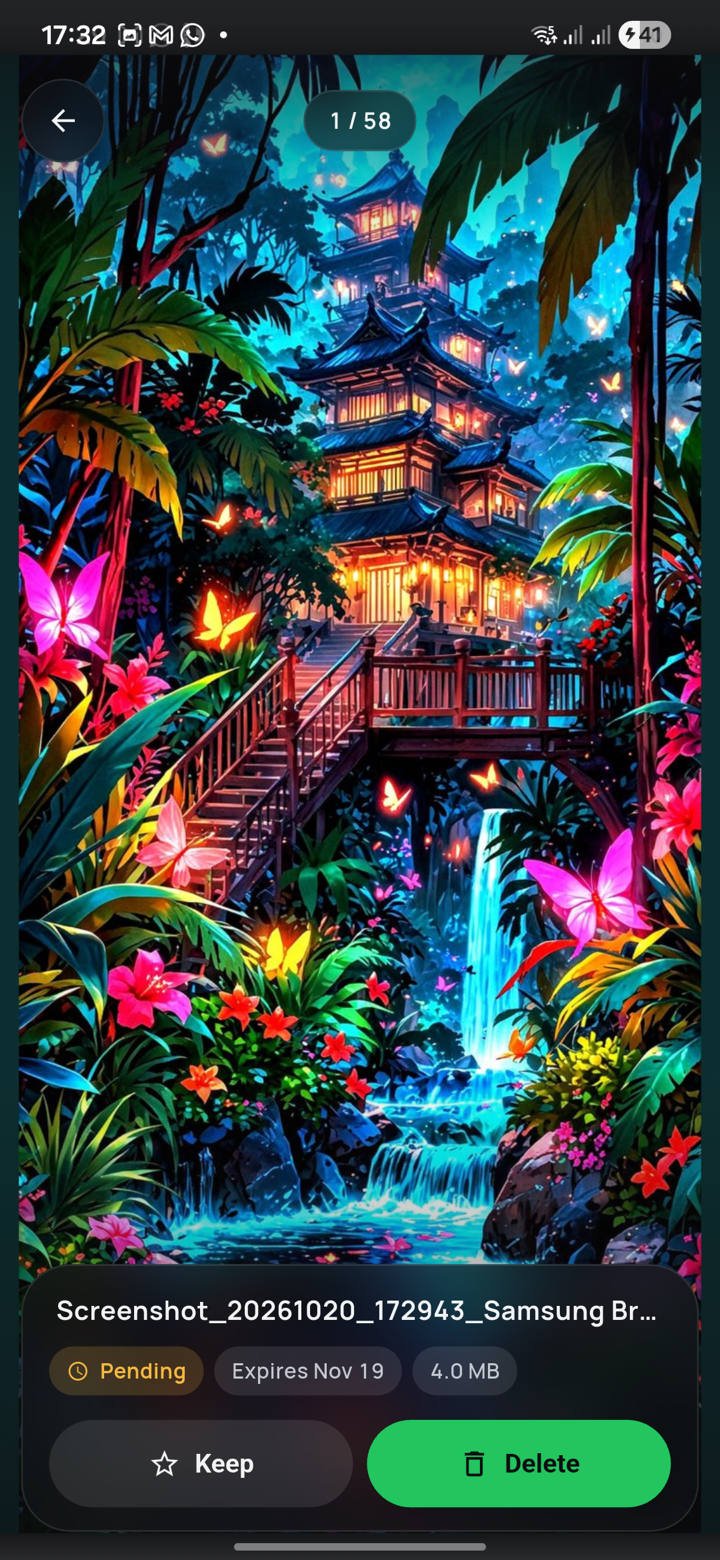
A train ticket, a tracking number, an address: you take a screenshot for five minutes and it stays for five years. Klean gives each one an expiry date, warns you before it arrives, and leaves you a single tap to make.
Android 11 or newer. Free, no ads, no account.
An expiry date for every screenshot
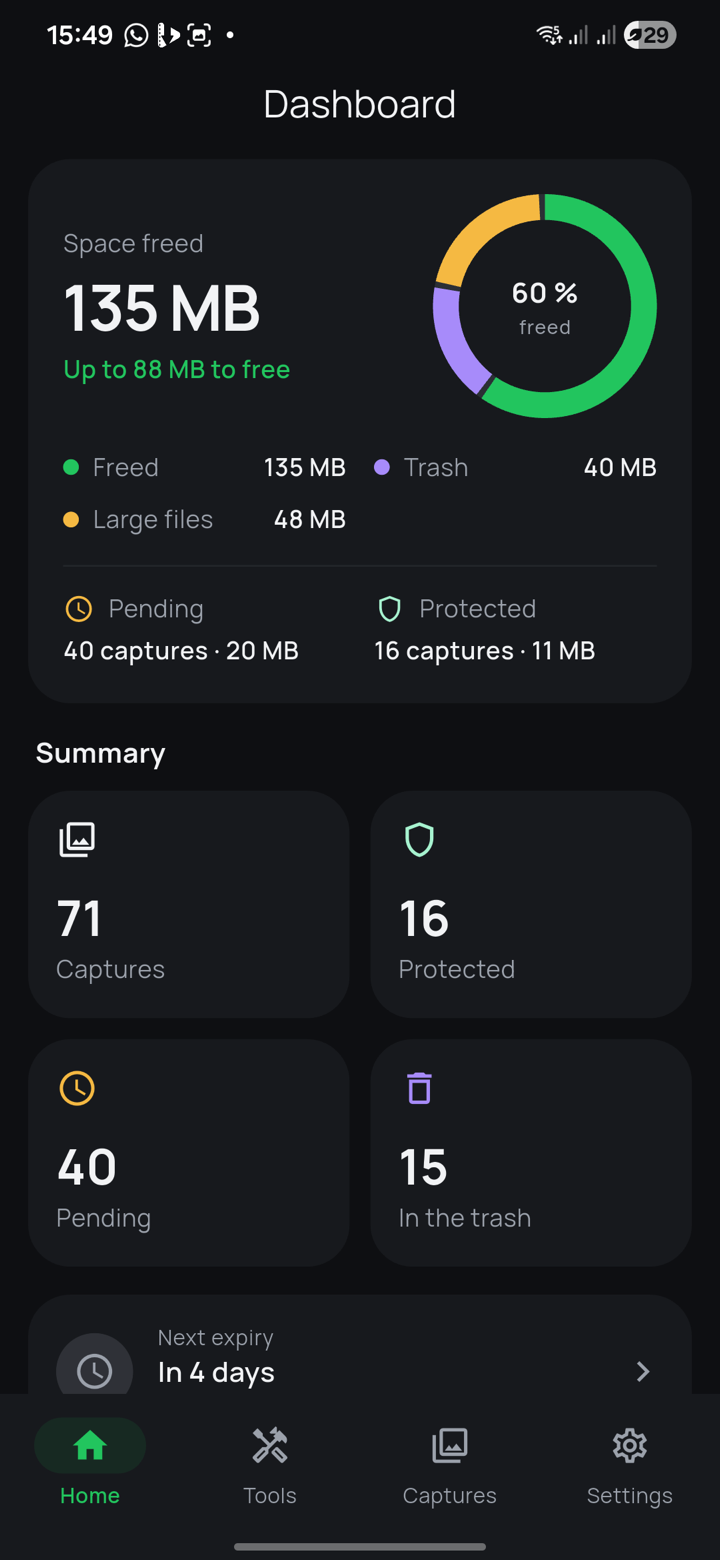
Pick a default duration — 7 days, 30 days, whatever suits you — and Klean applies it to each new screenshot. Need to keep one longer? Postpone it by 7 or 30 days from its reminder, or make it a favourite so it is never touched.
- One global duration, plus a 7- or 30-day postponement when needed
- Favourites are protected permanently
- A reminder 24 h before, then 1 h before
Nothing leaves your phone
This is not a marketing promise, it is a technical constraint: Klean does not declare the Internet permission. The app is therefore unable to connect to anything, even if it wanted to.
No account, no ads, no analytics, no third-party service. Your screenshots are read to be displayed, and that is all. The app's own data is even excluded from Google backup and from transfer to a new phone.
A trash, not a black hole
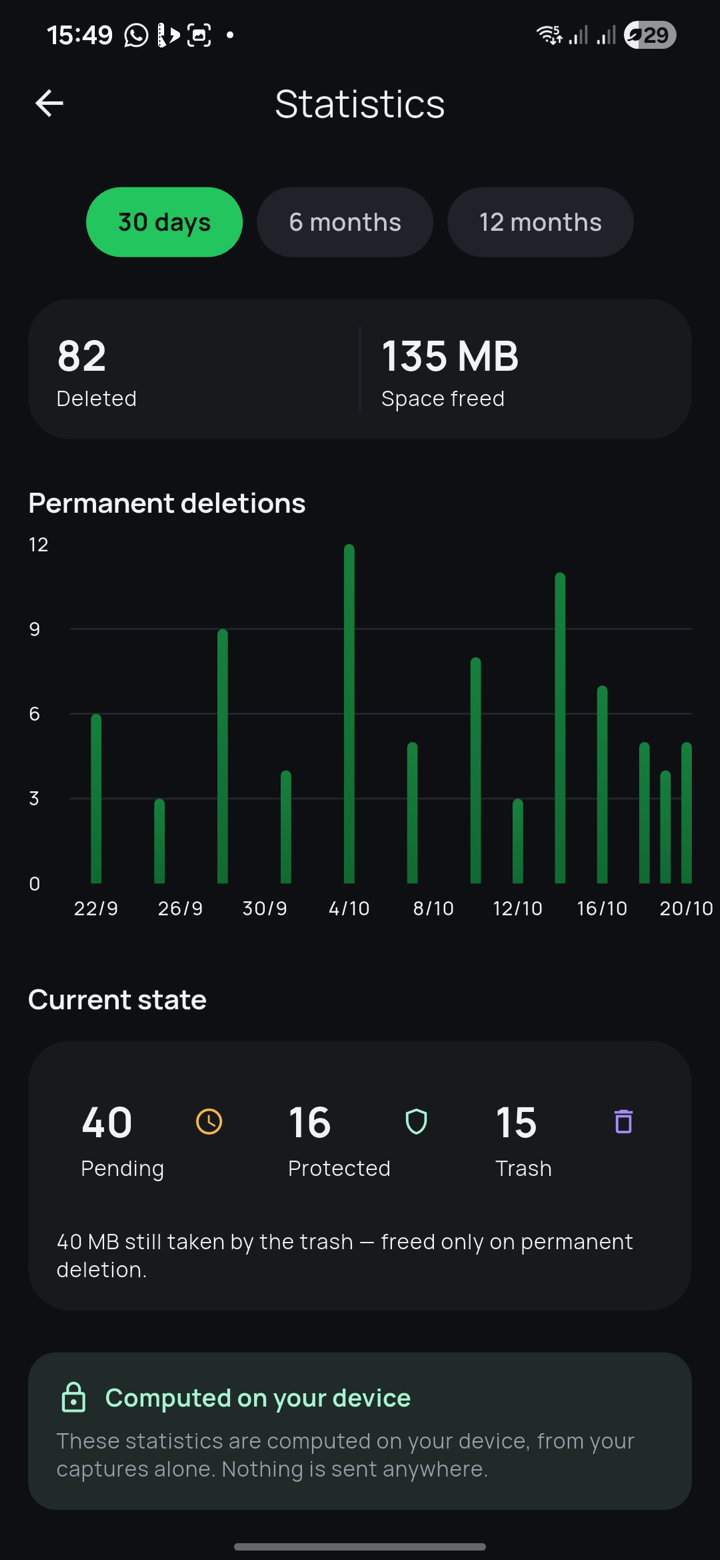
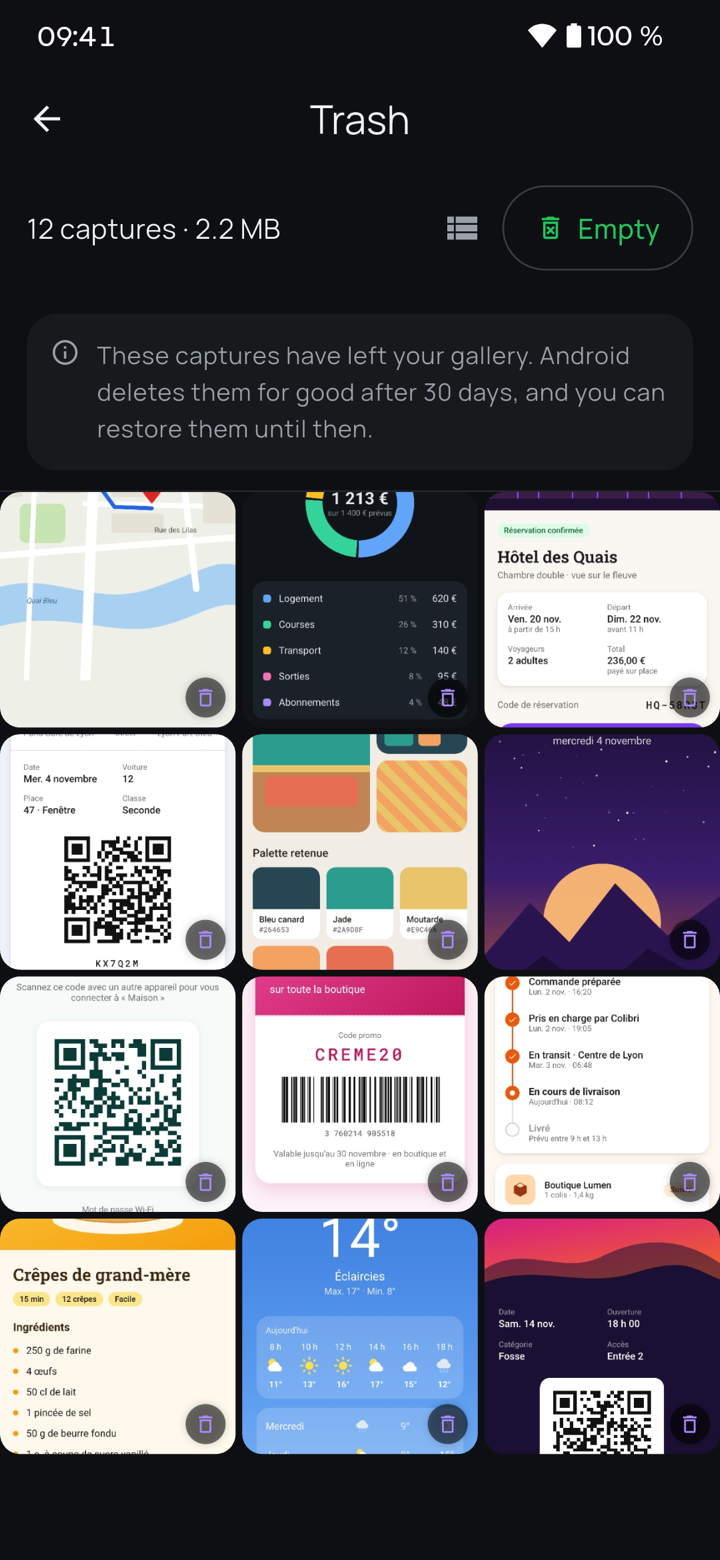
An expired screenshot goes to Android's trash — with one tap, or automatically if you turn it on — and you can get it back from there for 30 days. Android deletes it after that — not us. You can also delete it for good from there.
Nothing is deleted in the background. Klean checks in the background whether new screenshots have appeared, so it can schedule their reminders — but any move to the trash only happens with the app open, and a permanent deletion only happens at your explicit request.
What Klean also does
Four details that change day-to-day use.
Favourites and exceptions
Keep a screenshot indefinitely with one tap, or write a rule so a whole category is never touched.
Reminders before the deadline
A notification 24 h before, another 1 h before. You can postpone the screenshot by 7 or 30 days without leaving the notification.
Local statistics
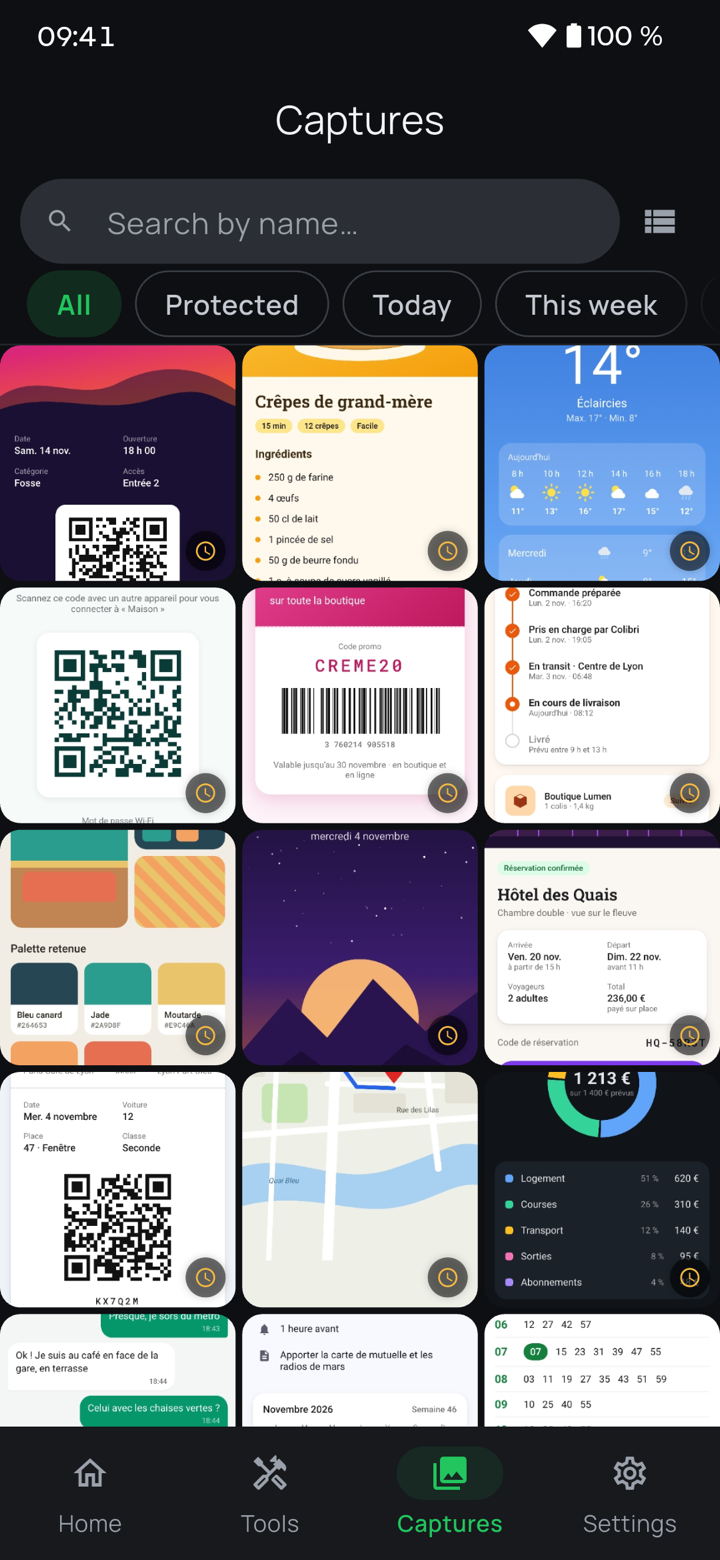
How many screenshots cleared, how much space recovered, month by month. Computed on the device, shown nowhere else.
Four languages, two themes
French, English, Spanish and German. Light theme, dark, or the system's — and Android's font sizes are respected.
Installing Klean
Three steps, and you stop thinking about it.
Install the app
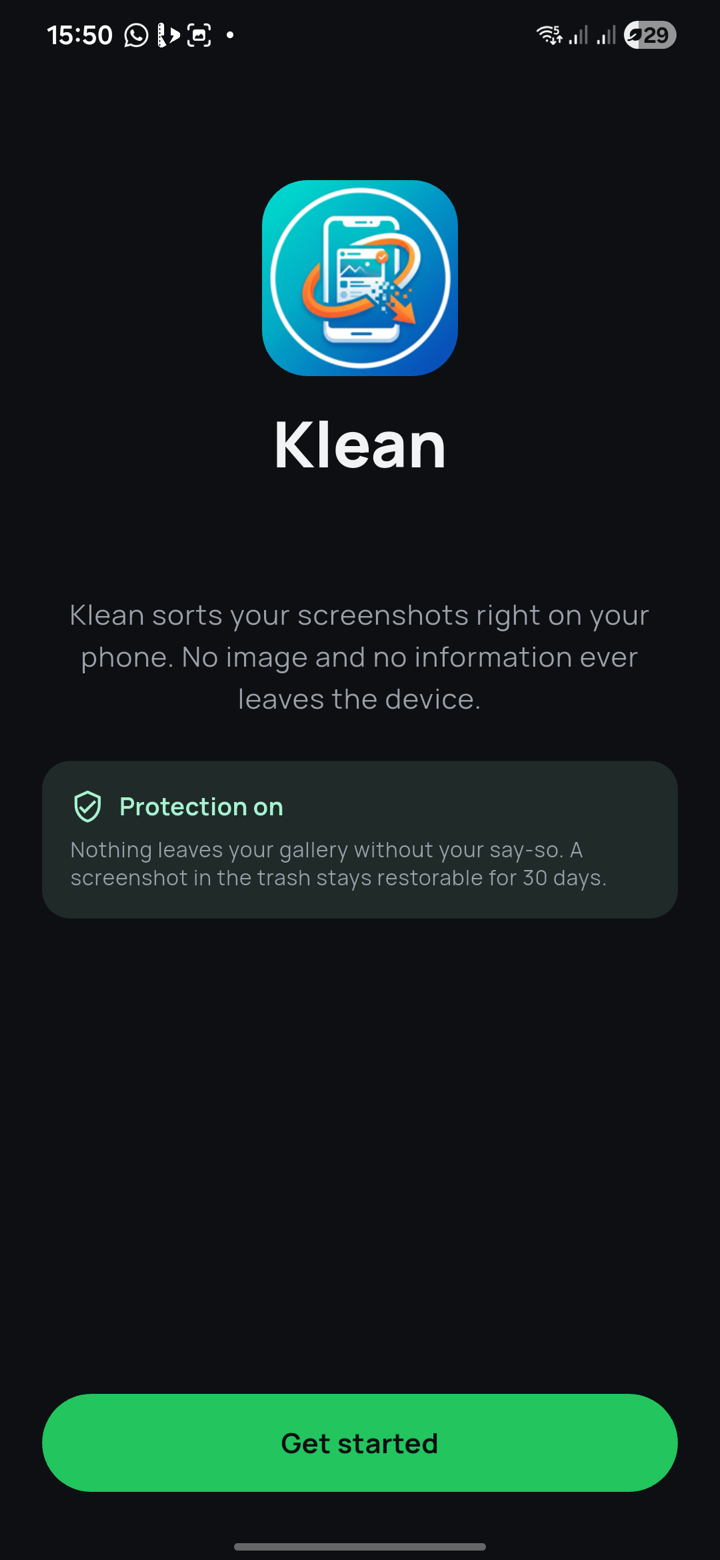
Klean is on Google Play: the button at the top of this page leads straight to its listing.
Choose a retention period
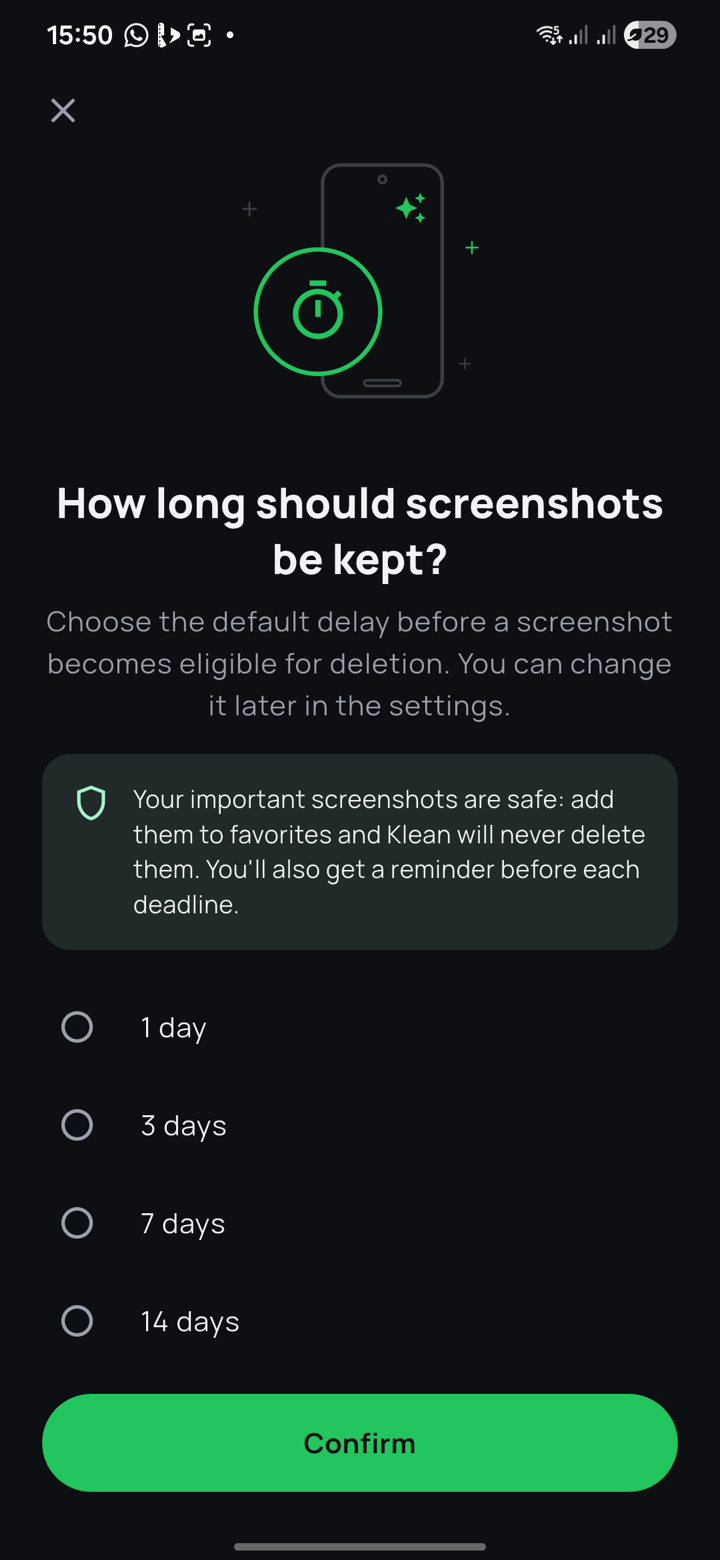
On first launch, Klean asks for access to your photos — to read the "Screenshots" album — and to notifications, to warn you before an expiry. Then you pick the default duration. It can be changed at any time in the settings.
Let Klean work
Your existing screenshots are found and dated. From then on you get a reminder before each deadline, and you send expired screenshots to the trash with one tap — or Klean does it when you open the app, if you turn that on. You stay in control at every step.